How to check an invoice against a price list (and what a spreadsheet misses)
· Šis puslapis pateikiamas anglų kalba.
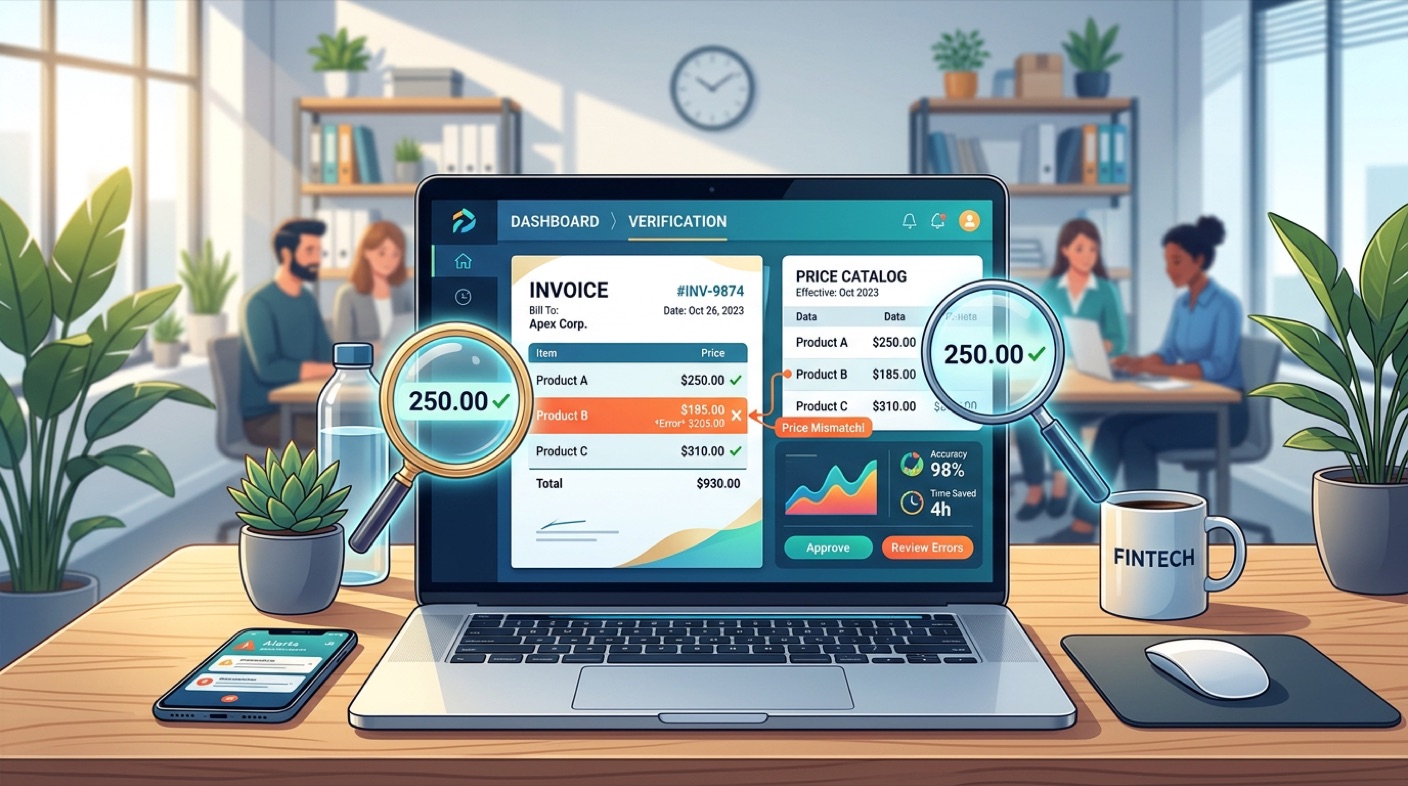
Checking an invoice against a price list is a line-by-line job: find each billed line's item code in the list you were given, compare the two prices after rounding to the cent, and set apart the lines that have no basis for a verdict. Price Double Check does that work on documents forwarded by email, and answers with a letter rather than a dashboard, with no account to open.
The method below is the one behind it, and it comes out of one real chain of documents: a sports-nutrition manufacturer in Spain selling to a Baltic distributor, and that distributor selling on to a retailer. Thirty documents — three price lists, seven order sheets, eleven invoices in scope, a credit note — checked line by line. The run compared 382 invoice lines: 327 matched the price list exactly, 41 were real price differences, 14 could not be matched for reasons that turned out to be legitimate, and none were read wrong. Every one of the eleven invoices agreed with its own printed total to the cent.
The five findings at the end had all been missed by a competent buyer checking by hand in a spreadsheet. None of them were hidden. They were simply spread across more documents than a person can hold at once.
Start with the arithmetic gate
Before comparing a single price, add up the lines you extracted and check the sum against the total printed on the invoice. If they do not agree to the cent, you have not read the invoice; you have read most of it. Nothing you say about a line is worth anything until that gate passes.
This is not a formality. In the validation set the gate is what caught a quantity and a price separated by six spaces — "1 15,00" — being read as a single number, 115.00. Nothing else would have caught it: the line looked plausible, the code was right, the description was right. Only the total disagreed. It is also the one statement a supplier cannot argue with: the sum of the lines equals your own printed total.
Match on the code, never on the description
Of the 442 lines in the first full pass, 335 had a description that did not match the wording of its own price-list row. "SUB9 SALTS ELEKTROLYTES - Duplo" against "SUB-9 SALTS ELECTROLYTES DUPLO". A protein bar sold as "Black Chocolate" on the invoice and "DARK CHOCOLATE" in the price list. Matching on text fails on most lines, and worse, it fails silently: you get a comparison, it just is not the comparison you meant.
Item codes are stable, but they are not clean. Codes appear with undocumented suffixes — 5116_1, 5126_1 — that have to be normalised and then confirmed by price. One code can appear twice in the same price list at the same price but different packaging, which is a conflict to report rather than a first-match-wins. And some documents print no codes at all: 109 lines in this set had none. They were recovered by building a description-to-code crosswalk from the supplier's own invoices further up the chain, which carry both the code and the same ERP description. That only works because the buyer forwards everything, not only the invoice in question.
Round before you compare
Price lists in this set carry four decimals — 0.40425, 1.173375 — and invoices are issued in two. A difference of one cent per unit is a rounding artefact, not a finding. The rule has to be half-up, and it has to be decided rather than inherited: with truncation instead of half-up, one item priced at 2.205 in the list and billed at 2.21 becomes an overcharge on every single invoice. A naive implementation would send three false alarms per invoice, and after two of those nobody reads the fourth.
The same discipline applies at the moment of reading. A spreadsheet cell holding 1.1760000000000002 instead of 1.176 will produce dozens of price changes that never happened — 43 of them across one pair of files. Round on the way in, always.
Five things a spreadsheet does not show you
| Finding | What it was | Effect |
|---|---|---|
| Priced above the list | One item billed at €13.23 against €11.235 in the last price list received | +17.75%, €47.76 on one line — 91% of the margin on that delivery |
| Substituted code | A 550cc item at €2.07 replaced by an 800ml item at €2.59, with no notice | +€15.60 |
| Three versions of one invoice | Three files with the same invoice number and date, and three different totals | €3,472.70 / €3,482.25 / €3,480.34 |
| Packaging shrank | Four items where the unit count fell and the price held | Invisible on any invoice |
| A price became the norm | A bar billed at €1.26 from March while the price list in force said €1.176 | The €1.26 appeared in a price list only in October |
Look at what each of those needed. The first needed the newest price list to be recognised as the newest — the 2024 list was never sent, so the correct comparison was against a list from the year before. The second needed two codes to be seen as one substitution rather than two unrelated lines. The third needed invoice identity to be understood as supplier plus number, so that one number with three contents is a version conflict and not three invoices. The fourth is visible only when two price lists are compared with each other, because invoices never print packaging. The fifth needed several months of invoices at once.
A spreadsheet gives you one invoice against one price list. Three of these five findings live outside that frame entirely.
What may not be judged
A checking routine that reports everything it cannot explain is worse than none, because the reader stops trusting it. Some categories have no basis for a verdict and must be shown rather than scored:
- Freight. There is no reference price for it anywhere — seven lines and €901.65 in this set. Show the amount and its share of goods; do not call it an overcharge.
- Unit collisions. An order template where quantity in units is boxes times units per box turns "1" into 240 rather than 40. Five apparent short deliveries were probably that. Report the discrepancy, do not name it.
- Description against packaging. The list says 550cc, the invoice says 600ml, the price is identical. Nothing in the documents decides who is right.
- Items with no price-list row. Six item codes — stands, catalogues, clothing — appear on invoices and in no price list at all. That is an absence of basis, not a discrepancy.
What a working check looks like
Read the invoice and prove you read it, by the total. Normalise codes and join on them. Choose the price list that was in force on the invoice date, and if the newest one you hold is older than the invoice, say so out loud rather than comparing quietly against a stale file. Round half-up and allow a cent. Rank what you found by percentage and by novelty on the price list, by euros on the invoice, and put the categories that cannot be judged in a separate list. Then repeat it next month against the same archive, because the drift findings only exist across time.
That is roughly a day of spreadsheet work per supplier per month, done carefully, and it is exactly the kind of work that gets skipped in a busy month — which is when the price quietly changes.
One more thing changes the shape of the work but not its rules: in a growing number of EU countries the PDF invoice is being replaced by a structured one, and the same line-by-line comparison applies to it.
Forward one invoice and the price list it should have been billed on to your Price Double Check address, and the comparison comes back by email. The home page carries a sample answer and the plans.